
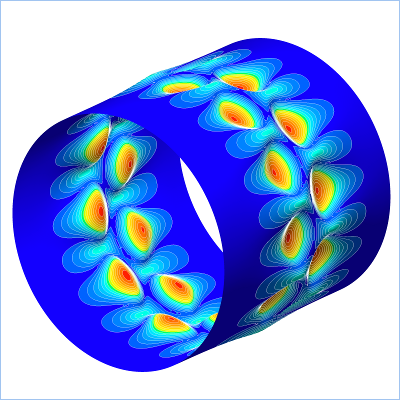
Field objects contain solution data for a
(Finite-Element, Finite-Volume, or Finite-Difference) mesh. A
Field object is created by first selecting a
Model object and then from the menu
Object->Create empty Field.... In the editor,
select the parameters (name, load case, computational cycle, etc.) and
click the Apply button. From the Python environment,
assuming that "m" references a Model object, a
Field object is created like this
f = Field(m, name='DISP', case=1)
This chapter is structured as follows: For more details about
creating, loading, and re-loading Field objects, see
Section 2. In Section 3, the different enumerators that
apply to Field objects are described. How to choose
among them is explained in Section 4. How
to inspect solution data is described in Section 5.
Field objects do not display data in 3D
fashion, this task is fulfilled by the NPart object
which makes use of the Field object to retrieve the
solution data.
